Prompt-to-image in one flow
Write the creative direction, choose a style and generate without moving between separate tools or technical settings.
Renderioo Image Studio
Turn a written idea into polished visual directions for campaigns, products, social posts, presentations and creative exploration. Renderioo keeps the prompt, visual style, aspect ratio and output count in one focused workflow, so you can move from a rough thought to a useful first draft without assembling a complicated toolchain.
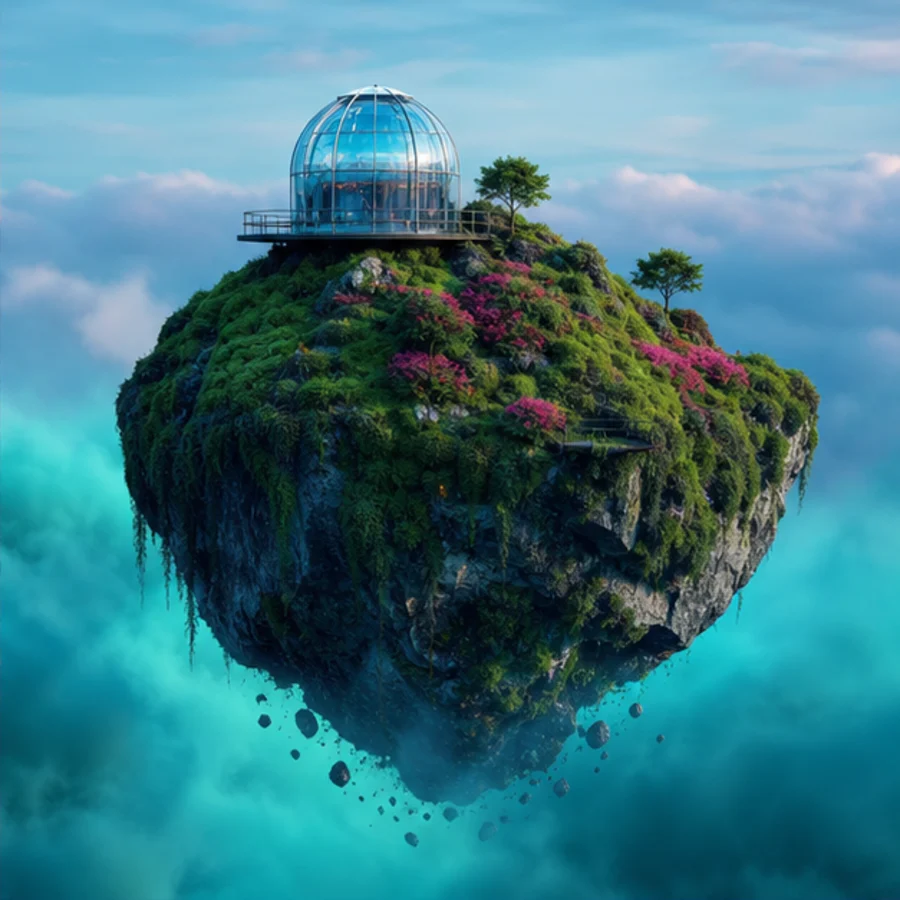
Focused creative workflow
A useful image starts with a clear brief. Describe the subject, setting, light, mood and composition you want, then choose a visual style and format. Renderioo creates an original result you can download, save to your private history or use as the starting point for another direction. Square, landscape, portrait, classic and tall ratios make it easier to plan for the channel where the image will appear.
Why Renderioo
Write the creative direction, choose a style and generate without moving between separate tools or technical settings.
Create square, landscape, portrait and editorial proportions for social content, presentations, ads and concepts.
Explore photoreal, cinematic, anime, painting, pixel art, product, cyberpunk and sketch directions from the same brief.
How it works
Name the main subject and add useful context such as the environment, camera angle, lighting, colors and mood.
Select a style and aspect ratio that match the intended channel instead of trying to fix the composition after generation.
Create one or more visual directions. A standard image uses one credit, while larger landscape and portrait formats use two.
Save the strongest result, copy the prompt, create a variation or refine the brief for a more specific composition.
Made for real projects
Build original campaign backgrounds, announcement images, social concepts and attention-grabbing creative directions.
Explore product scenes, packaging moods, brand territories and presentation visuals before committing to production.
Create illustrations, cinematic scenes, character ideas and visual references for articles, stories and experiments.
Questions and answers
You enter a text prompt, choose a style and aspect ratio, and Renderioo turns the brief into an original image. The result stays in your generation history so you can download it or reuse the prompt.
Yes. A new Renderioo account receives three free credits after registration. One standard square image uses one credit.
Renderioo supports square, landscape, portrait, classic 4:3 and tall 3:4 formats. Larger 1344px landscape and portrait outputs use two credits.
Start with the subject, then describe the environment, composition, lighting, color palette and mood. Concrete visual details usually produce a more focused result than a long list of abstract adjectives.
Renderioo can be used to create visuals for personal and business projects. You remain responsible for your prompt, third-party rights, brand clearance and the way the final image is used.
Start with three free credits
No card is required to create a Renderioo account.
Start creating free