Built around a visual hook
Shape the image around the most interesting moment rather than filling the frame with unrelated details.
Content Studio
Translate a video idea into cinematic thumbnail artwork built around one clear visual hook. Give Renderioo the topic, intended emotion and central subject, then explore a focused image direction that is easier to recognize at feed size. The generator is designed for creators who need a strong visual starting point before adding final typography and channel branding.
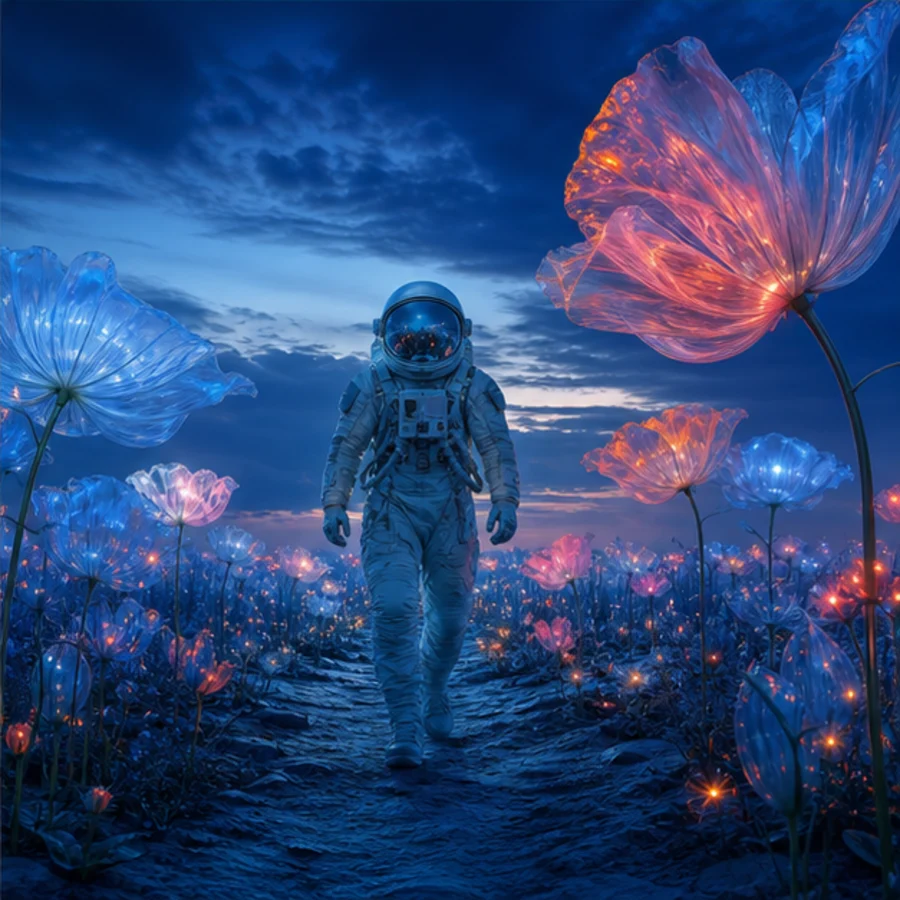
Focused creative workflow
Effective thumbnails communicate one idea quickly. Instead of asking for a generic attractive image, define the moment: a reaction, transformation, comparison, reveal or unexpected object. Renderioo combines that hook with the topic and visual direction to create high-contrast artwork. Use the landscape format for a YouTube-ready composition, then add accurate headline text and recurring brand elements in your preferred editor.
Why Renderioo
Shape the image around the most interesting moment rather than filling the frame with unrelated details.
Generate landscape compositions suited to YouTube previews, channel experiments and campaign storyboards.
Explore different emotions, subjects and environments before investing time in final layout and typography.
How it works
Summarize what the viewer will learn, watch or discover in a short, concrete phrase.
Describe the reaction, transformation, comparison, reveal or object that should dominate the composition.
Choose a cinematic, editorial, playful or minimal direction and describe the lighting and color contrast.
Create the artwork, select the strongest concept, and add final title text and channel branding in a layout editor.
Made for real projects
Visualize a product, result or before-and-after moment without relying on a generic stock image.
Build an expressive focal point for experiments, launch reactions, personal stories and timed challenges.
Create clean visual metaphors for explainers, case studies, interviews and founder-led content.
Questions and answers
It is a creative tool that turns a video topic and visual brief into thumbnail artwork. Renderioo focuses on the image concept; you can add exact title text and channel branding afterward.
YouTube thumbnails use a 16:9 landscape ratio. Renderioo's landscape output is designed for that composition and can be resized to the final publishing dimensions in your editor.
Yes. Describe the topic, central subject, emotion and visual hook in ordinary language. The focused form helps turn those choices into a complete creative brief.
Generated artwork should be treated as the visual foundation. For accurate words, fonts and recurring channel branding, add final typography after generation.
Yes. New Renderioo accounts receive three free credits, which can be used to generate thumbnail concepts or other images.
Start with three free credits
No card is required to create a Renderioo account.
Start creating free