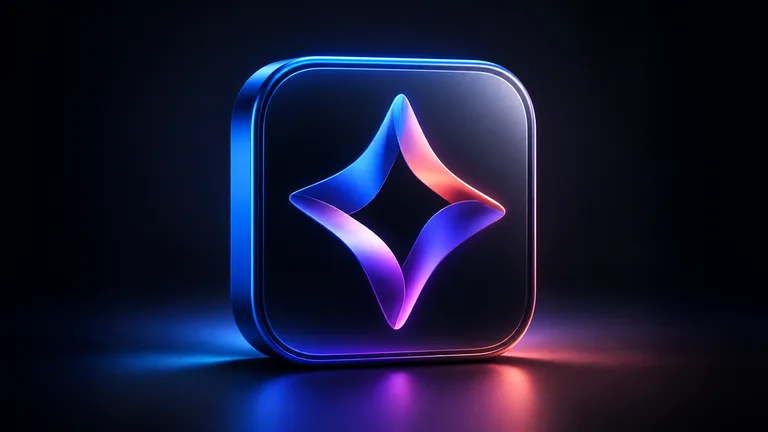
Product-specific concepts
Generate a symbol around the purpose and personality of the app rather than starting from a generic stock icon.
Product Studio
Explore square icon directions for mobile apps, software products and digital tools. Describe the application's purpose, central symbol, materials and color palette, then generate a polished concept with a clear focal point. Renderioo helps product teams move beyond generic icon libraries and start visual design from an idea specific to the product.
Focused creative workflow
App icons have very little space to communicate. Choose one central metaphor, a simple silhouette and a controlled palette instead of placing the whole interface inside a square. Renderioo turns the product concept into a visual direction that can be evaluated alongside the app name and category. Before store submission, redraw and export the selected concept to meet current Apple and Google asset requirements.
Why Renderioo
Generate a symbol around the purpose and personality of the app rather than starting from a generic stock icon.
Focus the visual hierarchy around one silhouette suited to launch screens, listings and home-screen placement.
Explore flat, dimensional, glass, metallic, soft, playful or minimal styles with a controlled palette.
How it works
Describe what the app helps users do, the category it belongs to and the personality it should express.
Select a memorable metaphor or object that can remain clear at a small size.
Specify the palette and whether the icon should feel flat, dimensional, tactile, glassy or minimal.
Create the concept, then refine, redraw and export the final artwork for the required iOS and Android sizes.
Made for real projects
Explore launch-ready visual directions for consumer, productivity, finance, wellness and utility apps.
Create recognizable symbols for software dashboards, browser extensions and desktop utilities.
Give early product experiments a distinctive identity for demos, pitch decks and team testing.
Questions and answers
Renderioo generates square visual concepts suitable as a starting direction for either platform. Final artwork must be exported to the current sizes and specifications required by each store.
Explain the app's purpose, choose one central symbol, define a small color palette and describe the preferred material or illustration style.
No. The generator creates the master concept image. Use a design or export tool to prepare the complete set of production assets.
Yes. Ask for a simple silhouette, limited palette, generous negative space and no text or small decorative details.
Yes. A new Renderioo account receives three free credits after registration.
Start with three free credits
No card is required to create a Renderioo account.
Start creating free