Private AI Image Utility
Remove an image background with AI
Upload a JPG, PNG or WEBP image and turn it into a transparent cutout without tracing the subject by hand. Renderioo processes the source directly on your device, separates the visible foreground from the surrounding scene and gives you a transparent PNG ready for profile graphics, presentations and campaign concepts. The source image never needs to be uploaded for AI processing, and only the finished result is saved to your private history.
3 free credits No card required Private history
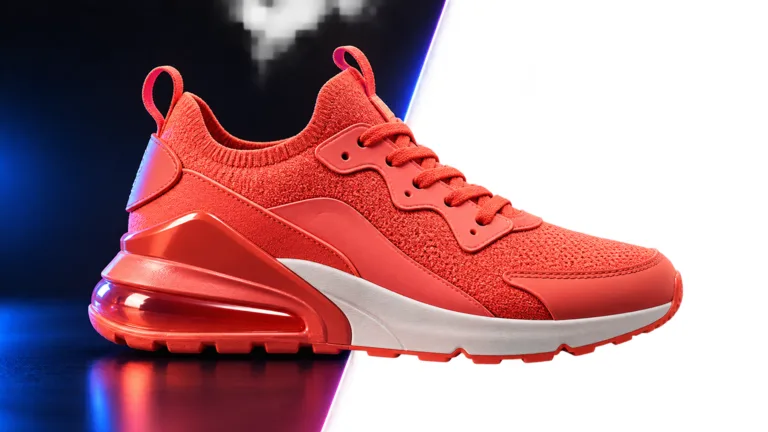
Creative previewAI Background Remover
Focused creative workflow
A transparent result without rebuilding the image
Background removal is different from generating a replacement picture. The goal is to keep the person people already recognize while removing only the surrounding scene. That makes the transparent result useful in layouts where the original portrait must remain consistent. One successfully saved result uses one credit, and the finished PNG is stored in your private generation history.
Why Renderioo
Useful control without a complicated interface
Portrait edge separation
Source stays on your device
How it works
How to use AI Background Remover
- 1
Choose the source image
- 2
Check the preview
- 3
Remove the background
- 4
Download or reuse the result
Made for real projects
Ways to use AI Background Remover
Portrait cutouts
Profile and team graphics
Campaign compositions
Questions and answers
AI Background Remover FAQ
What file formats can I upload?+
Renderioo accepts JPG, PNG and WEBP source images up to 10MB. The processed cutout is saved as a transparent PNG.
How many credits does background removal use?+
One successfully saved background-removal result uses one credit. Local preview and model loading do not use credits.
Does Renderioo keep my original upload?+
No. The source image is processed on your device and is not uploaded for AI processing. Only the finished transparent PNG is saved to private history.
Will it work with products as well as people?+
The current local model is optimized for portraits and people. A product with a simple, high-contrast outline may work, but portrait cutouts are the most reliable use case.
Can I use the transparent image in commercial designs?+
You can use the processed output in your projects when you have the necessary rights to the source image and its depicted people, products, trademarks and other content.
Start with three free credits
Create your first background remover
No card is required to create a Renderioo account.
Start creating free